How to Connect Devices
The following pages contain essential information on email server settings needed to configure your email clients for successful connection to our servers
Configuration information for your user
You can also send configuration instructions directly from our platform to your current email users for their existing mailboxes. For new staff or users who need to set up a new mailbox on their mobile devices, please send the instructions to their personal email address to ensure they have access to the necessary information.
Accessing the Cloud Console
-
Open your preferred web browser and navigate to the Cloud Console URL at https://console.secureax.asia/.
-
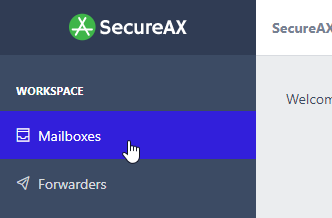
Under Email, click on Business Email Hosting, click on Connect Devices:
-
You will now see the Incoming & Outgoing mail server setting
